






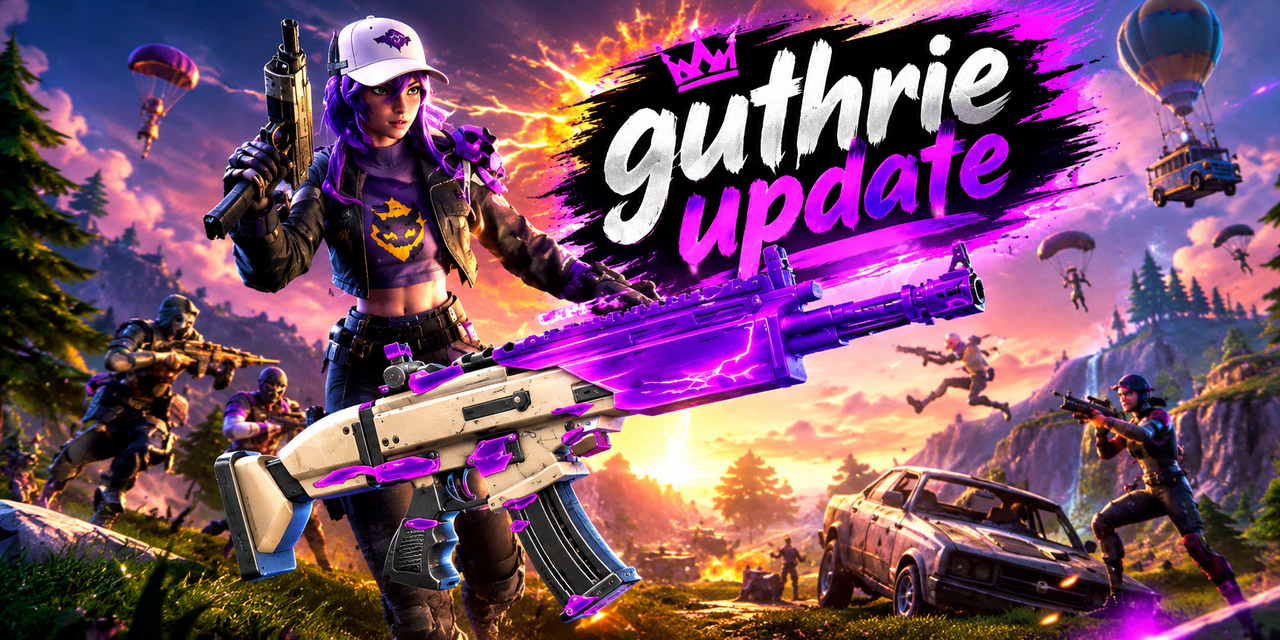
Fortnite Wrapped gives players a simple way to look back at their gaming activity and achievements. From Victory Royales to eliminations and playtime, a yearly recap can help you remember your favorite moments. This guide explains what Fortnite Wrapped is, how to check your stats, and how to share your results safely.
What Is Fortnite Wrapped?
Fortnite Wrapped is a year-in-review summary of selected Fortnite gaming statistics. Similar to Spotify Wrapped, it presents activity in an easy-to-understand format. Players can use it to review their progress, celebrate achievements, and reflect on how much time they spent playing throughout the year.
The popular Fortnite.GG Wrapped feature is a third-party service, not an official Epic Games product. The statistics shown depend on the data available for the account and reporting period.
What Statistics Does Fortnite Wrapped Show?
Wins and Victory Royales
Your wins show how many matches you finished in first place during the tracked period. This statistic helps you celebrate successful games and review your progress. However, wins alone do not measure overall skill because game modes, team sizes, and playing styles can influence results.
Eliminations and Matches Played
Eliminations show how many opponents you defeated, while matches played provide context for your performance. Reviewing both figures can help you understand your gaming habits and compare activity across reporting periods, provided the statistics cover similar time frames.
Playtime and Account Levels
Depending on the report, Fortnite Wrapped may display playtime, account levels, and seasonal activity. These details can help you identify when you played most often and which periods were especially memorable. Available statistics may vary by account and report.
How to Check Your Fortnite Wrapped
Visit the Fortnite.GG Wrapped page to begin. Select the appropriate supported platform, enter your player name, and search for your statistics. If your report appears, review the available figures and use any supported download or sharing options to save your recap.
The available page and instructions may change between annual reports. Check the displayed year before assuming that a particular recap is available.
How to Enable Public Game Stats
If your account does not appear, check whether your gameplay statistics are public. Open Fortnite, go to Settings, select Account and Privacy, and look for Public Game Stats under Gameplay Privacy. Enable the setting if you are comfortable allowing third-party tracking websites to access your statistics.
For further help, consult the official Epic Games support guide. Remember that public statistics may be visible to other people, so review your privacy preferences before enabling the option.
Benefits of Fortnite Wrapped
Fortnite Wrapped makes it easier to review your achievements without manually collecting statistics from different sources. Players can celebrate wins, reflect on their progress, compare available figures, and share memorable results with friends.
It can also encourage healthier awareness of gaming habits by showing how much time you spend playing. Use the information as a personal reference rather than a measure of your worth or ability.
Is Fortnite Wrapped Free?
The Fortnite.GG Wrapped page is publicly accessible, and the standard recap has been available without a separate purchase. Features and access conditions can change, so check the current website if you encounter restrictions or payment requests.
You should not need to share your Epic Games password with an unfamiliar statistics website just to search for a basic recap.
Fortnite Wrapped vs. Career Stats
Fortnite’s built-in Career tab provides access to available in-game statistics, while Fortnite.GG Wrapped focuses on presenting a year-based summary. The recap is convenient for reviewing and sharing annual activity, whereas Career stats are useful for checking information available directly in the game.
Neither option captures every aspect of a player’s skill. Teamwork, decision-making, and enjoyment are not fully represented by numerical statistics.
Common Fortnite Wrapped Problems
If your statistics do not appear, double-check your username and selected platform. You can also review your Public Game Stats setting and try again later if the data has not updated.
If the numbers look incorrect, compare them with available in-game statistics. Previous annual reports may not always remain accessible, so saving a copy of your recap can be useful.
Is Fortnite Wrapped Safe?
Use the established Fortnite.GG website and avoid entering your Epic Games password on unfamiliar pages. Before sharing a recap, review the image for usernames or other details you do not want to make public.
Disabling public statistics does not necessarily remove information already collected by third-party services. Contact the relevant website if you need information removed from its systems.
Interesting Facts About Fortnite Wrapped
Fortnite Wrapped follows the wider trend of annual digital recaps that summarize personal activity. Its appeal comes from turning gaming statistics into a format that is easy to understand and share.
Because Fortnite Wrapped is a digital feature rather than a person, details such as age, height, family, physical appearance, and personal net worth do not apply. The relevant background is its connection to Fortnite statistics and third-party tracking tools.
Final Thoughts
Fortnite Wrapped provides a convenient way to look back at your wins, eliminations, playtime, and other available gaming statistics. Visit the Fortnite.GG Wrapped page, search for your supported account, and check your privacy settings if the results do not appear.
Remember that the popular Fortnite.GG version is a third-party service. Protect your account credentials, verify the reporting year, and enjoy your recap as a record of your gaming experiences.
FAQs
1. What is Fortnite Wrapped?
Fortnite Wrapped is a yearly gaming recap that summarizes available statistics, such as wins, eliminations, matches played, and playtime.
2. How can I check my Fortnite Wrapped?
Visit Fortnite.GG Wrapped, select your supported platform, enter your player name, and search for your statistics.
3. Is Fortnite Wrapped an official Epic Games feature?
No. The popular Fortnite.GG Wrapped tool is a third-party service that presents available Fortnite statistics in a yearly recap.
4. Why is my Fortnite Wrapped not working?
Check your username, platform selection, and Public Game Stats setting. Your account data may also be unavailable or not yet updated.
5. Can I share my Fortnite Wrapped results?
Yes. If the report offers a download or sharing option, you can save your recap and share your gaming achievements with friends or on social media.